


Acer EB1 C3 31.5" QHD 100MHz Multimedia Monitor
Eligibility: Students, Faculty/Staff & Schools
Acer EB321HQU C3 31.5" QHD Monitor – Expansive Widescreen IPS Desktop Display Panel
Optimize your multi-window spreadsheet layouts and eliminate timeline scrolling bottlenecks during intensive multimedia production runs using the advanced, high-density panel engineering of the Acer EB321HQU C3 Monitor. This professional-grade business display panel serves as an uncompromised static utility for high-density university architecture laboratories, school district computer science classrooms, and administrative drafting workspaces. Operating over a cutting-edge Quad HD 2560 x 1440 resolution grid displaying over 1.07 billion vibrant colors across a massive 31. 5-inch visual canvas, this highly responsive monitor delivers near-instant signal initialization, flicker-free panel mapping tracking, and an exceptionally stable color calibration baseline the exact millisecond you boot your host computing rig. This specialized workspace peripheral completely eliminates the traditional mess of fuzzy text scaling defects, restricted side-by-side window stacking spaces, and severe eye strain traditionally causing technology coordinator deployment headaches during massive classroom laboratory rollouts. This means student operators, creative content designers, and network administrators can completely maximize physical table real estate, cross-reference complex software project files cleanly side-by-side, and maintain clean infrastructure focus long before final project export deadlines clear.
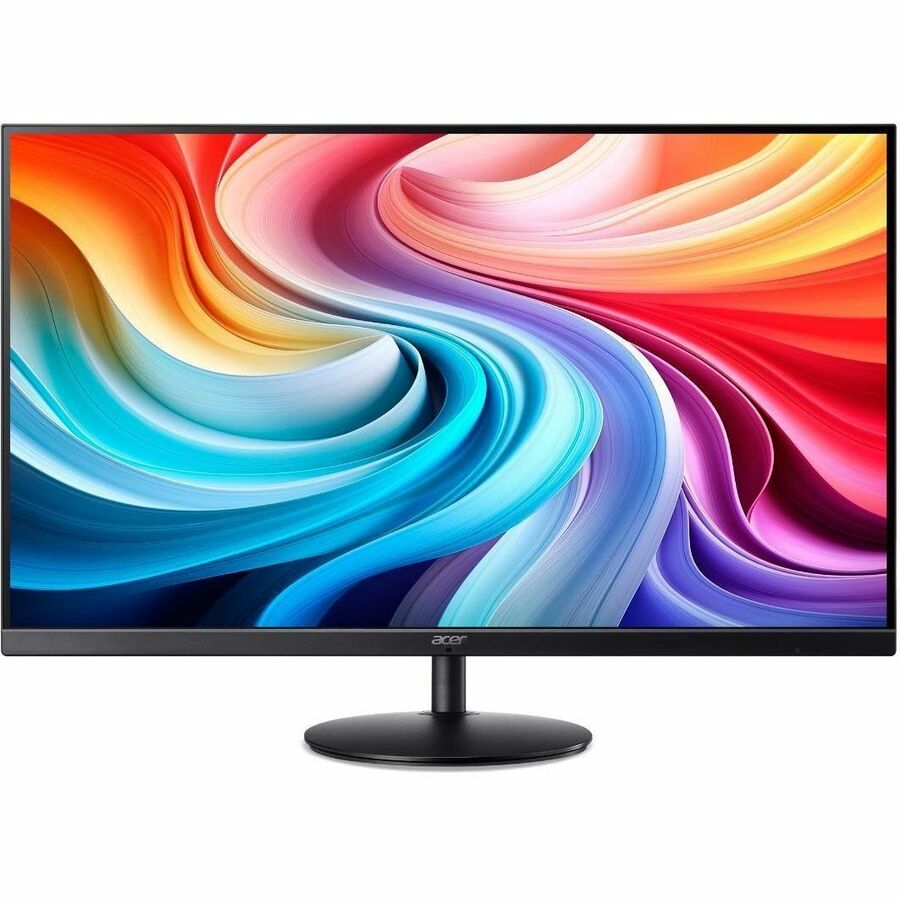
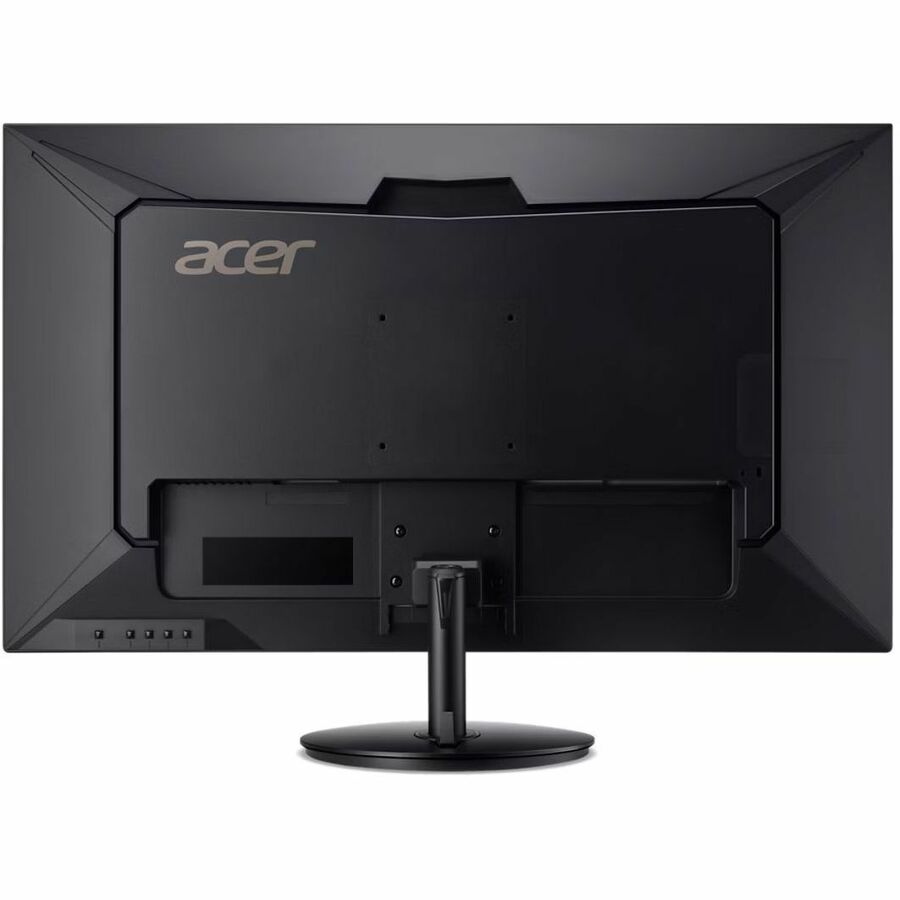
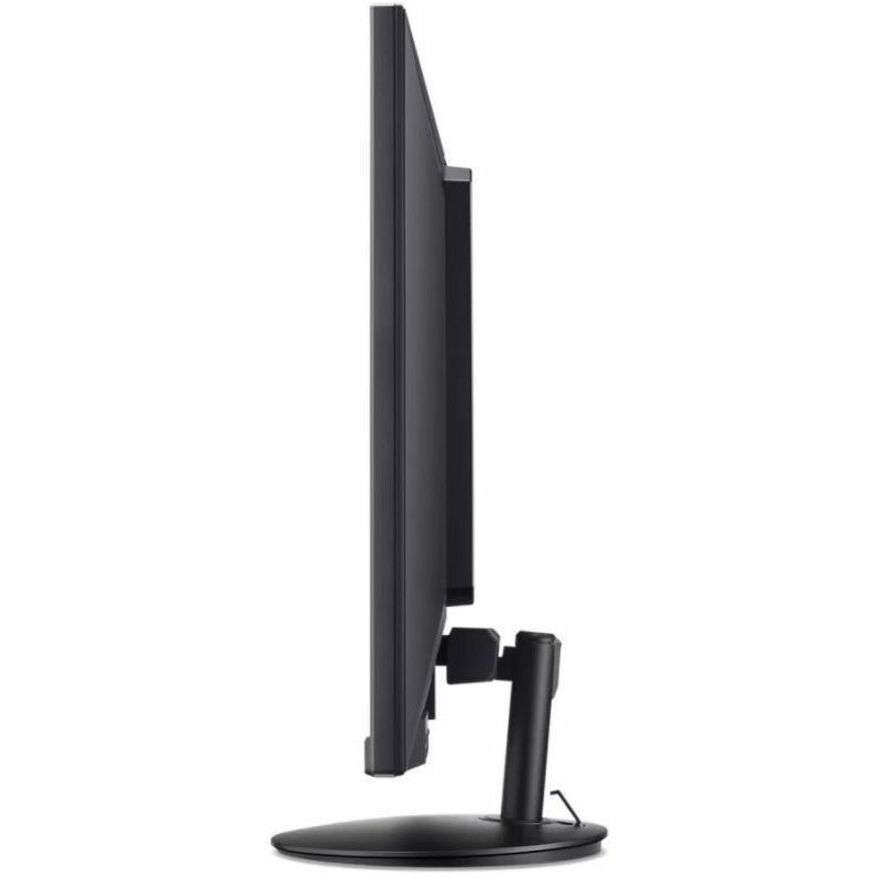
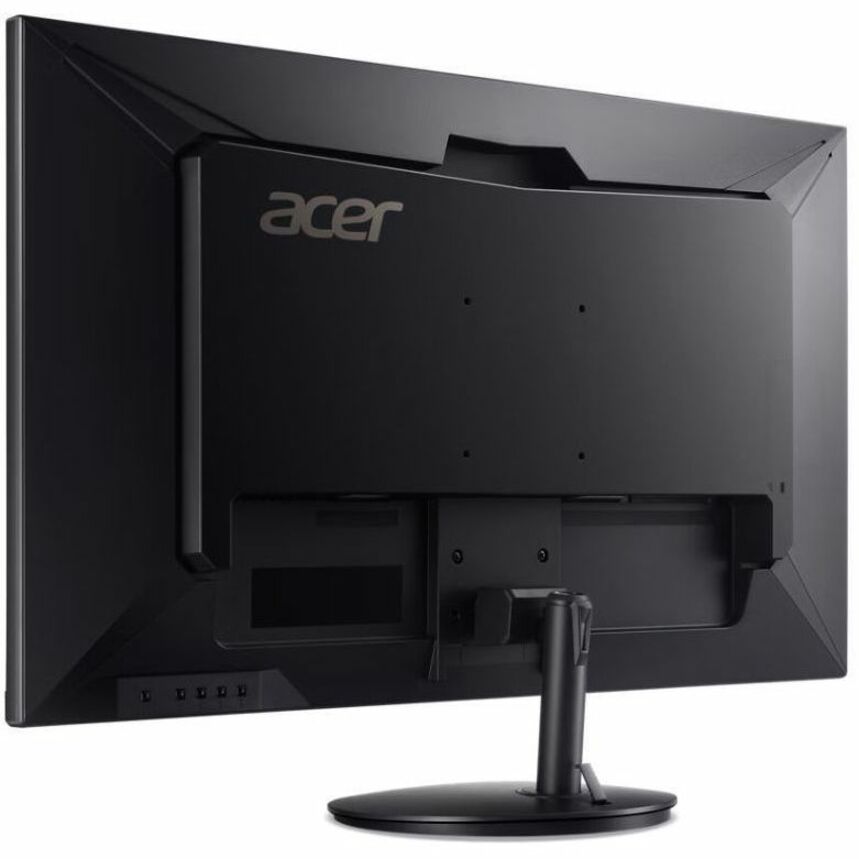
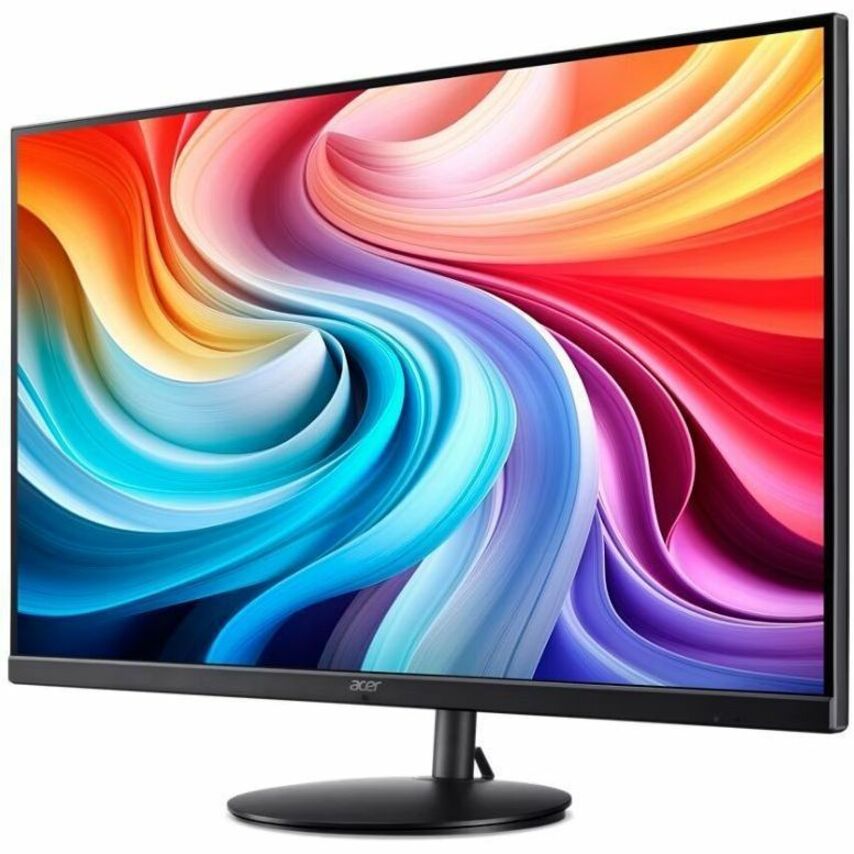
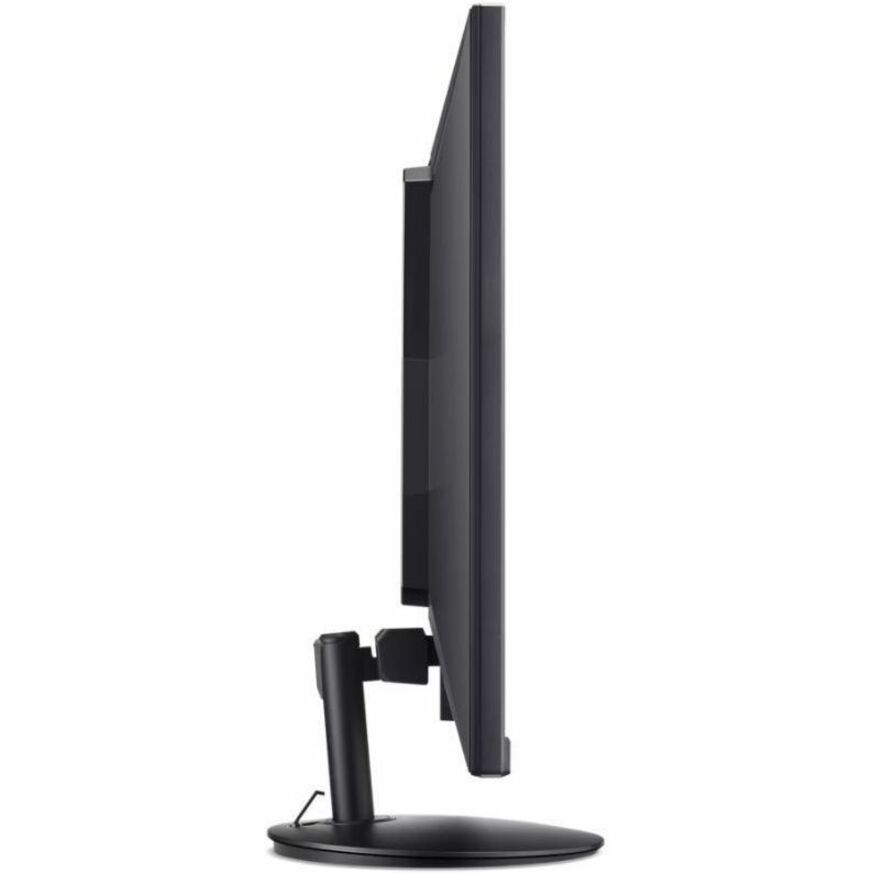
Constructed from a premium, low-flex aluminum alloy base wrapper to withstand relentless daily multi-user wear, this heavy-duty chassis architecture stabilizes your entire laboratory workspace layout. This smart physical framework features an integrated under-base cable routing tunnel to completely sweep away tangled desktop cord clutter, while providing full multi-position tilt-adjustable frame mechanics to match the precise eye level of individual student operators fluidly. By shifting the engineering focus onto a secure, slide-free table anchorage and a scratch-resistant bezel layout, this workspace layout actively repels external friction damage, secures total multi-year equipment usability assets across your school network infrastructure, and shields tight institutional procurement budgets from unexpected equipment replacement liabilities.
System data command velocity, hyper-clear visual canvas detail, and multi-platform platform technology interaction compatibility are driven by a high-efficiency layout core, focusing on a rapid 60Hz refresh rate matrix, a specialized 4ms gray-to-gray response velocity, dynamic VisionCare low blue light filters, and a comprehensive DisplayPort, HDMI, and DVI interface input matrix. This substantial data pipeline allows the terminal to ingest heavy multi-channel graphic media, run zero-distortion visual tracking clearances, and display real-time application layouts natively on the hardware layer with absolute input composure. This synchronized workspace environmental deck allows broadcasting students, digital graphic layout designers, and student software developers to automate coding pipelines, cross-reference tracking data logs instantly, and manage extensive high-resolution visual canvases side-by-side with absolute posture comfort. The low-profile architectural silhouette slips seamlessly next to any desktop mini PC riser or mechanical keyboard row layout without creating bulky movement obstacles, while the smart physical assembly ensures your setup and hardware verification tasks come much easier.
Key Features include:- 🖥️ 31.5" Widescreen Quad HD Display: Premium 2560x1440 resolution panel engineered to deliver double the visual density of standard Full HD screens for razor-sharp text and graphic scannability.
- 🎨 10-Bit Color Palette Depth Engine: Advanced color tracking matrix capable of displaying 1.07 billion distinct color values to guarantee smooth gradients and absolute accuracy during video grading work.
- 🔌 Multi-Port Input Connectivity Hub: Versatile rear input interface array packing native DisplayPort and HDMI ports alongside digital DVI links to bridge modern and legacy desktop towers natively.
- 👀 Onboard VisionCare Safety Filters: Advanced integrated software technology calibrated to actively damp harmful shortwave blue light filters, preventing eye fatigue during long research blocks.
- 📐 Standardized VESA Wall Mount Ready: Universal 100x100mm rear mounting patterns built to easily attach the massive display onto articulating dual-monitor desk arms or clean classroom wall brackets fluidly.
- 🪵 Crisp 4ms Response Time Tracking: Rapid liquid-crystal shifting speeds configured to instantly transition pixels, entirely removing trailing smearing lines during high-velocity video editing playbacks.
- 🌬️ Energy-Efficient Eco-Conscious Profile: Smart power-saving internal firmware engineered to meet rigid environmental criteria, drastically dropping classroom electricity draw grids fluidly.
- 📐 Space-Saving Ergonomic Stand Frame: Low-profile desktop mounting frame custom-built to minimize physical desk footprints while packing built-in tilt adjustments to secure an optimal reading posture.
Specifications:
| Specification | Details |
|---|---|
| Brand | Acer Inc. |
| Model / SKU Configuration | EB-Series Display / UM.JE1AA.301 |
| Device Classification | LED-Backlit Widescreen Desktop Flat Panel Display Monitor Node |
| Viewable Screen Area | 31.5 Inches Diagonally Measured (16:9 Aspect Ratio Widescreen Canvas) |
| Native Resolution Target | WQHD 2560 x 1440 Resolution Baseline @ 60Hz Refresh Rate Tracking |
| Panel Matrix Parameters | In-Plane Switching (IPS) Technology / Anti-Glare Surface Treatment / 300 nits Peak Brightness / 178° Wide Viewing Angle Grid |
| Available Interface Ports | 1 x DisplayPort Input Terminal, 1 x HDMI Input Terminal, 1 x DVI Dual-Link Input Terminal Port |
| Operating System / Fleets | Platform Independent / Driverless Plug-and-Play Matching over Windows, macOS, ChromeOS, and Linux Frameworks |
| Monitor Dimensions | 28.70 x 19.10 x 7.10 Inches (729 x 485 x 180 mm) Standard Stance Footprint Shell |
| Unit Net Weight | Approximately 13.91 lbs (6.31 kg panel chassis optimized for smooth student lab deployment loops) |
| Compliance Vetting | RoHS Material Compliant / CE Certified / FCC Class B Vetted / MPR II Low-Radiation Standard Criteria |
💡 PRO TIP #1: BRIDGE 2K QUAD HD SIGNAL PATHS VIA PREMIUM DIGITAL DISPLAYPORT CABLES! 💡
To fully maximize the crisp 2560x1440 resolution grid of your new 31.5-inch panel and establish a secure, static handshake with modern computers, you need digital connection hardware that natively supports high-bandwidth data transfers. While this monitor features advanced digital DisplayPort inputs on its rear perimeter, factory retail packaging profiles vary and frequently include strictly an older legacy connection cord format out of the box. Attempting to drive a premium 2K workspace panel via a standard analog or basic low-tier cord introduces visual flickering and chokes your text scannability. We highly recommend adding a brand-agnostic Premium High-Speed DisplayPort-to-DisplayPort (or HDMI-to-DisplayPort) Connection Cable to your checkout basket. Fastening an uncompressed digital link safely routes flawless, high-resolution visual streams out to your screen natively on setup day, ensuring immediate plug-and-play workspace efficiency.
💡 PRO TIP #2: DESEGREGATE AUDIO CHANNELS VIA MULTIMEDIA COMPUTER SOUNDBARS! 💡
Reviewing high-definition streaming lectures, evaluating student language pronunciation files, or managing multi-user virtual classroom sessions is impossible without a dedicated audio return pipeline. This essential Acer business monitor is custom-vetted as a pure visual tracking asset, meaning internal speaker drivers or acoustic amplifiers are entirely omitted from the hardware shell. Relying on muffled external laptop pins or bulky standalone desk wires introduces clutter and muddies your soundstage tracking. We highly recommend adding a brand-agnostic Premium Under-Monitor USB Powered Computer Soundbar Speaker to your checkout basket. Fastening a low-profile audio array directly under the display glass frame rail unlocks balanced stereo separation natively on setup day, saves physical desk space, and secures absolute auditory comprehension with maximum utility system efficiency.


